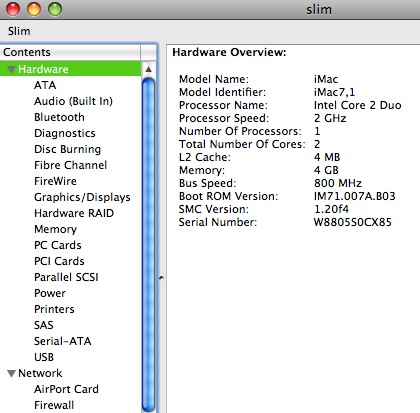
The folks at Chipmunk have put up this nice link to track when your Mac was made. Simply put in your serial number and away you go =)
Note: To find your serial number, go to the Apple icon in the top left of your screen and select “About This Mac”. Underneath the words Mac OS X you will see the version number of the software. Click on the version number twice and you will see your serial number.


Alternatively, you can also click on “More Info” and look at the Serial Number in the “Hardware” section.